Restaurant food cost management
Growth Insights calculates food cost from your paid bills and recipe deductions — then explains changes in plain language. Optional Ask can answer questions over the same report pack with your own API key.
Food cost Insights require Growth or Scale and recipes on menu items.
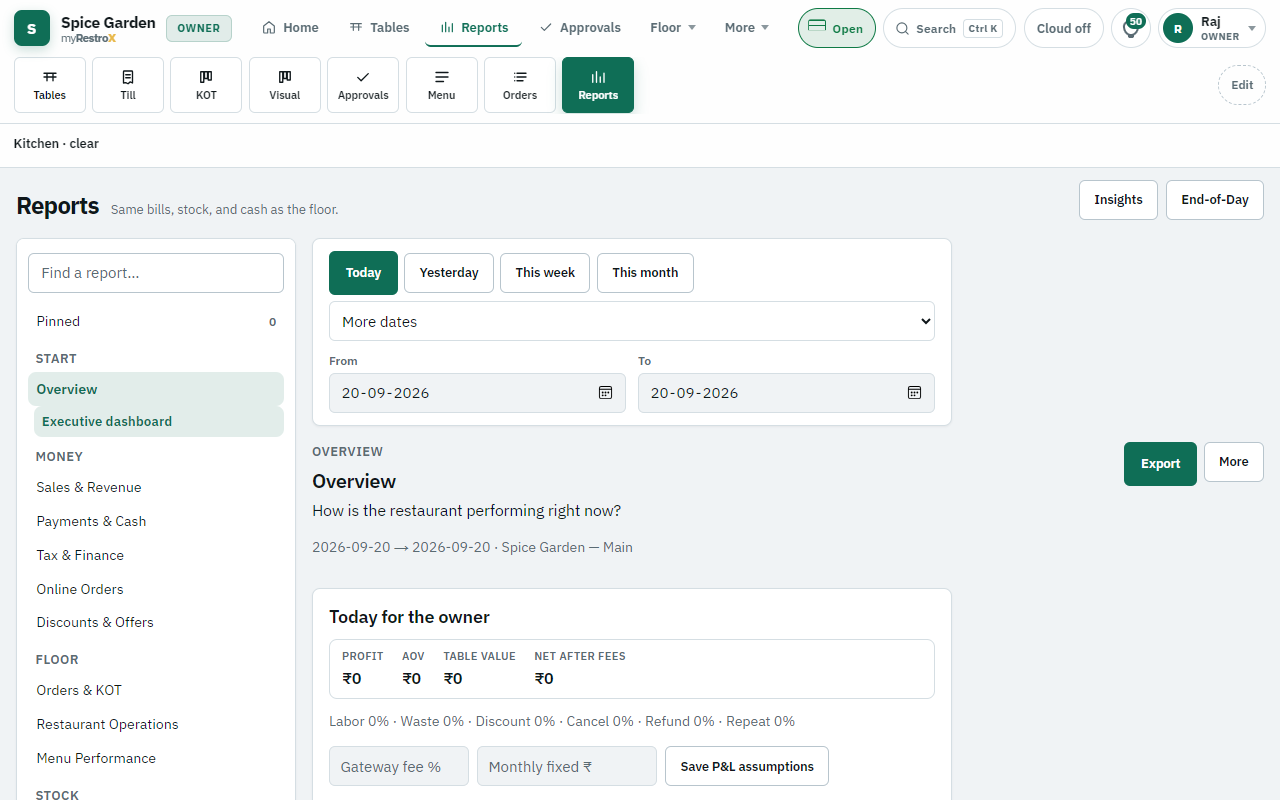
How it works
- 1. Attach recipes — Link menu items to ingredients with quantities in Recipes admin.
- 2. Run service — Paid bills deduct stock; waste gets logged when it happens.
- 3. Refresh Insights — Pick a date range; food cost and variance blocks update from reports.
- 4. Investigate outliers — Check waste logs, KOT extras, and receive costs for flagged ingredients.
What you see
Food cost is not a static spreadsheet cell. myRestrox compares sales, theoretical recipe cost, and logged waste for the period you pick — then shows conclusion, evidence, impact, and a recommended next step.
- Food cost % and contribution after waste
- Period-over-period change when enough history exists
- Recipe variance — ingredient used faster than recipe expects
- Menu engineering: star, plowhorse, puzzle, dog from sales mix
- Price suggestions and combo pairs from billed orders
Human reviews, then acts
Insights recommends — it never changes menu prices, posts bills, or moves stock. Owner or manager decides whether to investigate portioning, waste, or supplier cost.
Honest limits
- No food cost without paid sales in the period.
- No guaranteed savings or margin promises.
Questions
- Is food cost calculated by AI?
- No. It is calculated from POS reports. Optional Ask can explain the pack in plain language if you enable a language model with your key.