KOT vs KDS
KOT is the message to the kitchen. KDS is the screen that tracks that message until food is ready. You can print KOTs without a display — but a display reduces shouting and lost tickets.
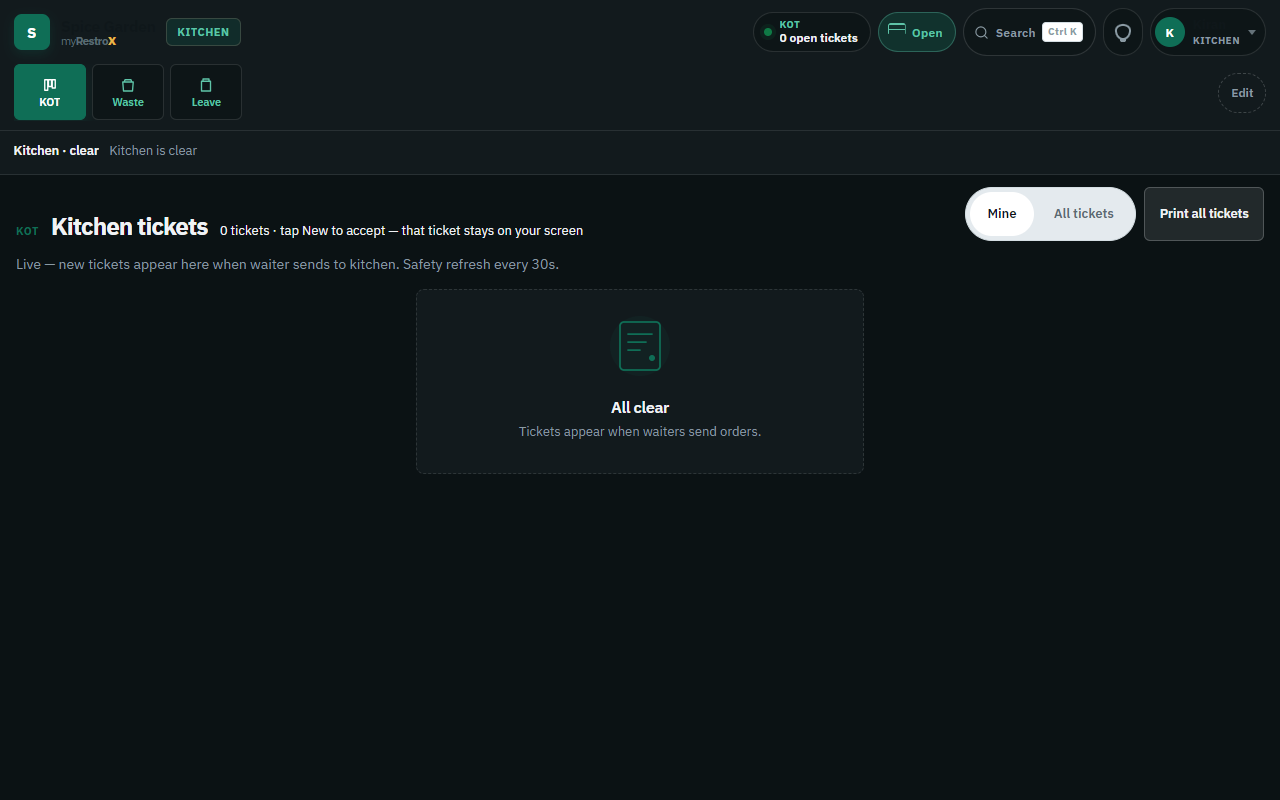
What is a KOT?
A Kitchen Order Ticket lists items (and modifiers) for cooks. In myRestrox, send-to-kitchen creates a KOT. Adding food later creates another KOT — not a silent overwrite of the first ticket.
What is a KDS?
A Kitchen Display System shows open KOTs in columns such as New → cooking → ready. Cooks advance tickets; waiters get ready alerts. A Visual login can run a pass TV. It is not equipment IoT.
KOT vs KDS at a glance
- KOT — the order content sent to kitchen (and optionally printed)
- KDS — the live board that tracks status of those KOTs
- Paper-only shops — KOT print without a board
- myRestrox — KOT + kitchen board on every ordering plan; printers optional
How to reduce order errors
Keep modifiers as separate lines. Block send-to-cashier when the cart is unsent. Warn on empty takeaway tickets. Void/reduce with manager PIN so cook lists stay honest.
Questions
- Do I need both?
- You always need a KOT (the order). A KDS is strongly recommended when more than one cook works the pass — paper spikes lose tickets under rush.